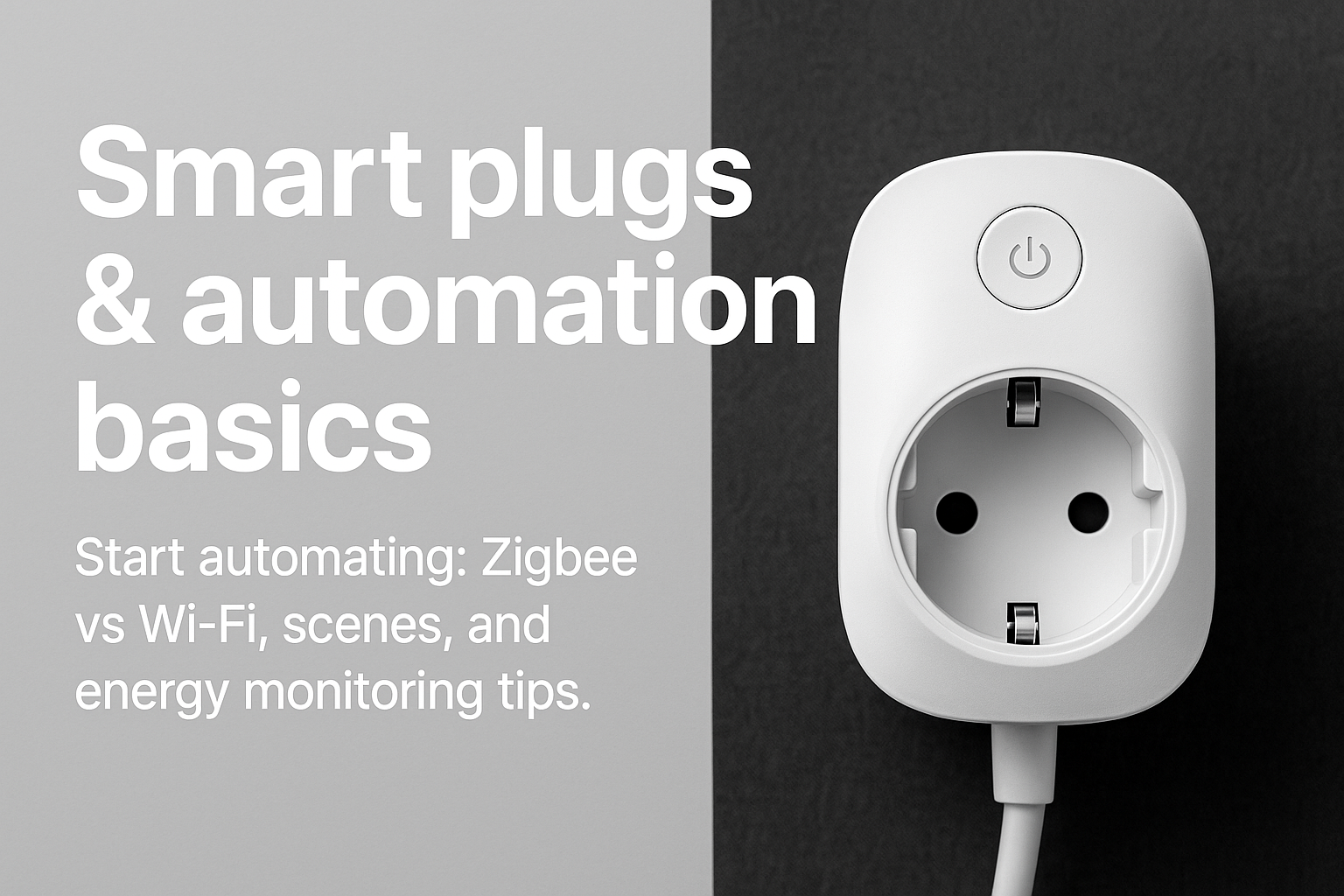
What is a smart plug?
A smart plug is a mains adapter with a built-in relay and radio (Wi-Fi, Zigbee, Z-Wave, Thread, etc.). It sits between your wall socket and appliance, letting apps and automations switch power on/off and sometimes read energy use.
Zigbee vs Wi-Fi — which should I choose?
- Creates a low-power mesh — range improves as you add devices.
- Less interference with your home Wi-Fi network.
- Works locally via a Zigbee coordinator (e.g. Sonoff Zigbee 3.0 USB, ConBee II).
- Simple setup; no hub required.
- Can load your router with many devices; cloud-tied brands may be slower.
- Prefer models with local control (e.g. ESPHome/Tasmota) for speed & privacy.
Common uses
- Schedule lamps, aquarium/heater, routers or ONT reboots.
- Cut phantom/standby loads (gaming consoles, media boxes, chargers).
- Automate coffee machine/kettle in the morning, or pool pump off-peak.
- Power-cycle LTE routers during outages to force reconnection.
What to look for when buying
- Current rating: Choose 16 A plugs for kettles, heaters and high-draw devices. Check your country plug type and safety approvals.
- Energy monitoring: Look for models with accurate power metering (kWh, W, V, A).
- Local control: Zigbee or Wi-Fi models that work without cloud for speed & privacy.
- Form factor: Compact body so it doesn’t block adjacent sockets.
Setup (Home Assistant)
- Zigbee: Plug in your Zigbee USB coordinator → add integration (ZHA/Zigbee2MQTT) → put smart plug in pairing mode → add device.
- Wi-Fi (ESPHome/Tasmota): Flash or buy pre-flashed → add to Home Assistant via ESPHome or MQTT → confirm you have entities for switch and power sensors.
- Name entities clearly (e.g.
switch.kettle,sensor.kettle_power).
Five quick automations
- Sunset lamp: Turn on living-room lamp 20 min before sunset, off at 23:00.
- Boil-guard: If kettle power < 3 W for 5 min, turn off (left on empty).
- Standby killer: If TV power < 2 W for 10 min, cut power to TV + console.
- Load-shedding helper: On grid-restored event, power-cycle router once.
- Pool pump off-peak: Run only during low-tariff hours (check your utility).
Safety notes
- Stay within the plug’s rated current and appliance type (no stoves/geysers/heavy inductive loads).
- Avoid daisy-chaining multiple adapters or using damaged extension leads.
- For heaters/ovens, consider hard-wired smart switches or a dedicated contactor installed by an electrician.
FAQ
Do smart plugs increase energy use?
A fraction of a watt to a couple of watts. You’ll usually save more by cutting standby waste.
Can they measure energy accurately?
Good models are close enough for household use. For billing-grade accuracy, use a dedicated meter.
Will they work on backup/inverter power?
Yes — but large surge loads may trip; stay within ratings and inverter limits.
This guide is informational. Always follow manufacturer instructions and local electrical codes; use a qualified installer where required.