15–45 min
Typical device setup time
Wi-Fi + Zigbee
Stable mixed topology
UPS + scenes
Works during outages
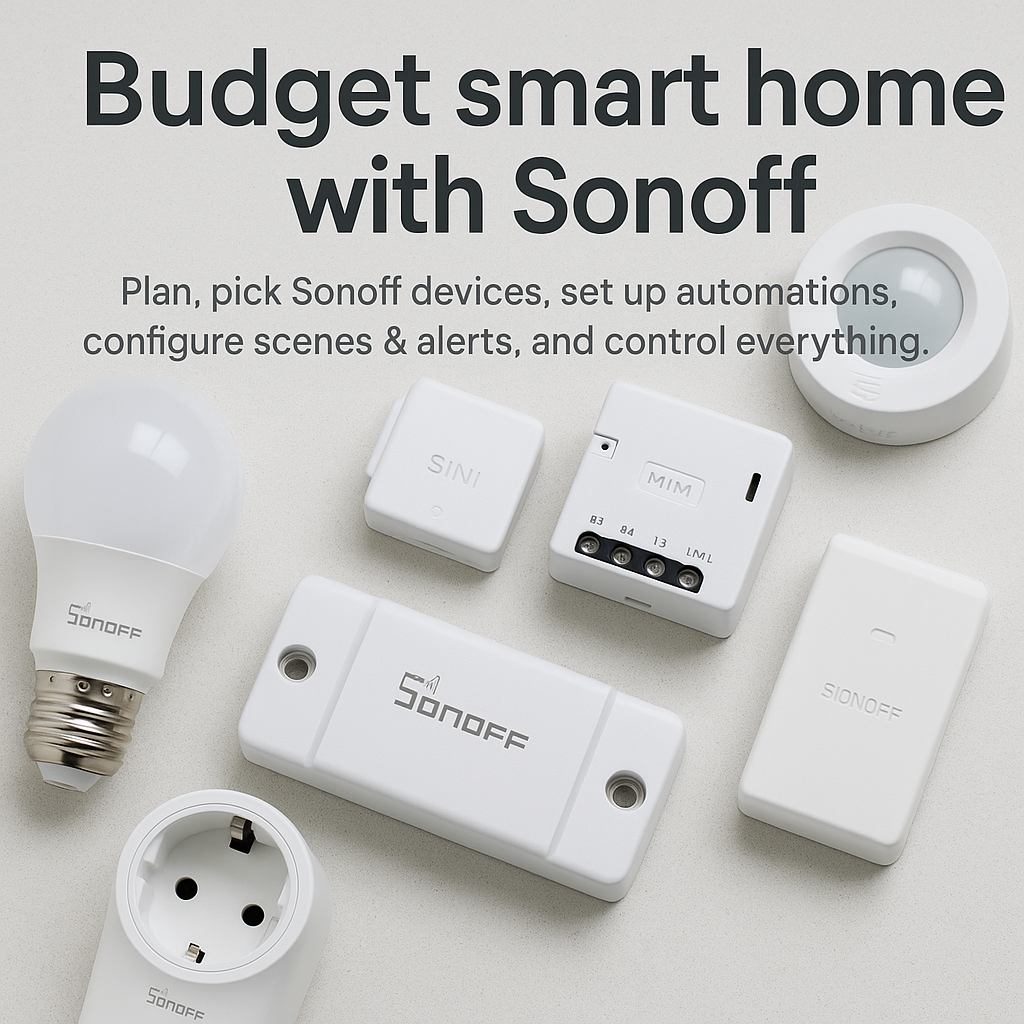
Quick result: Start with SONOFF MINIR4 for light circuits, S26 smart plugs for lamps, and a Zigbee Bridge Pro + door/motion sensors. Use NSPanel Pro as a room controller. Add POWR3 where you want energy stats.
1) Map your needs
- List switches and plugs you want smart: porch, lounge lamps, gate motor feed, geyser contactor, pool pump.
- Note supply type (single/three-phase), breaker ratings, and neutral availability at switch boxes.
- Decide which must work offline: lights at night, alarm siren, gate. These go on local automations.
2) Choose SONOFF devices
| Device | Use case | Notes |
|---|---|---|
| MINIR4 / MINIR2 | Behind-wall light switch | Dry-contact mode, works with 2-way, compact; check neutral requirement |
| POWR3 | High-load switch | Up to ~25A model, energy monitoring; drive via contactor for geyser/pump |
| S26 / S31 | Smart plug | Quick wins for lamps, routers, small appliances |
| NSPanel Pro | Wall touchscreen | Scene launcher, thermostat UI, local dashboards |
| Zigbee Bridge Pro | Hub for sensors | Pair DW2 door, SNZB-03 motion, SNZB-02 temp/humidity |
| iFan04-H | Ceiling fan + light | Separate fan speeds + light control |
| TH Origin/Elite | Temp/humidity control | Use sensors (THS01/DS18B20) for fridges, rooms, geyser pipes |
3) Wiring & safety
Safety: Work with a qualified electrician. Isolate power at the DB. Use correct wire gauge, enclosures and SANS compliance.
- MINIR4: live in → live out to load; neutral as required; connect S1/S2 to wall switch. Use “detach relay” for smart scene control without toggling power.
- POWR3: treat as an inline switch. For geysers/pumps, drive a contactor and protect with RCBO as per spec.
- 2-way circuits: use MINIR4 in detach mode or re-wire using S1/S2 as inputs.
- Label circuits and keep a wiring photo per box for future maintenance.
4) Configure in the eWeLink app
- Install eWeLink on iOS/Android. Create/sign in to a free account.
- Power device, press pair button until LED indicates pairing. In app: + → Pairing → follow prompts (Bluetooth/EZ mode).
- Name devices clearly: Porch Light, Pool Pump, Lounge Lamp.
- Update firmware when offered.
- For plugs/switches set Power-on state (on/off/restore) and Inching if needed for gates.
- Enable Schedules, Timers and Scenes (e.g., Sunset → Porch ON).
- NSPanel Pro: add as a room controller; pin favourite devices and scenes to the home screen.
5) Home Assistant integration
Two approaches: official eWeLink integration (cloud) or local control via community SonoffLAN. Pick based on your need for offline control.
- Cloud (official): in HA, add eWeLink addon/integration → log in. Easy, fast setup. Requires internet.
- Local (SonoffLAN): HACS → SonoffLAN → configure devices; many models support LAN mode for quick local toggles and states.
- Zigbee: pair SONOFF Zigbee sensors directly to Zigbee2MQTT or ZHA using a USB coordinator (e.g., Sonoff ZBDongle-P/E). No cloud needed.
- Create automations in HA: motion → lights; power draw → finish alerts; temp → fan control.
6) Zigbee vs Wi-Fi: what to use where
- Wi-Fi switches/plugs: simple retrofits, fewer hubs. Put fixed loads (lights, pumps) here.
- Zigbee sensors/buttons: battery friendly and mesh nicely. Use for motion, door, temp.
- For large houses, add Wi-Fi mesh nodes and Zigbee mains-powered routers (smart plugs) to strengthen coverage.
7) Power & load-shedding
- Place router, ONT and Home Assistant host on a small DC UPS. Aim for 4–6 h runtime.
- Critical devices: use power-on restore and local automations so scenes recover after outages.
- Pool/geyser: schedule around typical outage windows; use delay start after power returns to avoid surges.
8) Quick automation recipes
| Goal | Devices | Logic |
|---|---|---|
| Porch at sunset | MINIR4 + eWeLink | Scene: Sunset → ON, 23:30 → OFF |
| Geyser budget | POWR3 + contactor | Weekday 05:00–07:00 and 16:00–18:00; skip when HA says “grid outage” |
| Room occupancy | Zigbee motion + MINIR4 | Motion ON → light ON; 10 min no motion → OFF |
| Washer done | S26 with power sensor | When power draw drops below 3 W for 2 min → notify phone |
What will it cost?
| Tier | Typical spec | Ballpark hardware* |
|---|---|---|
| Starter | 2× MINIR4 + 2× S26 + Zigbee Bridge Pro + 3 sensors | R1 300–R2 200 |
| Comfort | 4–6 switches/plugs + NSPanel Pro + 6–8 sensors | R3 500–R6 000 |
| Expanded | POWR3 for geyser/pool + multiple MINIR4 + HA hub + UPS | R6 000–R12 000+ |
* Hardware only, typical SA pricing; installation and electrical work vary by site.
Troubleshooting quick table
| Symptom | Likely cause | Fix |
|---|---|---|
| Device won’t pair | Wrong mode / 2.4 GHz only | Reset to pairing, ensure 2.4 GHz SSID, disable AP isolation |
| Switch toggles but light not | Detach relay enabled | Disable detach or re-map scene to relay action |
| Scenes don’t run | No internet for cloud scenes | Move logic to local (SonoffLAN/HA) or use Zigbee automations |
| Geyser trips | Direct switching high load | Use contactor sized to load; verify wiring and RCBO |
| Zigbee drops | Weak mesh | Add mains Zigbee routers; place coordinator away from Wi-Fi AP |
FAQ
Do I need a hub?
Wi-Fi switches/plugs don’t. Zigbee sensors benefit from a hub (Zigbee Bridge Pro or HA with USB coordinator).
Can it work offline?
Yes. Use SonoffLAN or Zigbee with HA for local control. Keep your router/HA on UPS.
What about 2-way light circuits?
Use MINIR4’s S1/S2 with detach relay or re-wire so switches act as inputs while automation controls the relay.
Is re-flashing (e.g., Tasmota) required?
No. Stock firmware works with eWeLink and SonoffLAN. Flashing is optional and advanced.
This guide is informational. Mains wiring must be done by a qualified electrician and comply with local regulations.